
You can not select more than 25 topics
Topics must start with a letter or number, can include dashes ('-') and can be up to 35 characters long.
4.8 KiB
4.8 KiB

logo designed by Daniel David
Imwald
Maintainer: Silberengel · Evolved from Cody Tseng’s Jumble
A Nostr web client focused on relay feeds, discovery, and spells. Imwald keeps the same core ideas as upstream, with a substantial navigation and information-architecture rewrite (see below). The public instance lives at jumble.imwald.eu.
Major rewrite (this line)
High-level changes versus a “stock” Jumble-style layout:
Home vs feed
- Home is the Explore experience: relay directory, Following’s Favorites, and related discovery — not a duplicate of your main timeline.
- Feed is a dedicated primary area for favorite relays, displaying their diverse social content as a feed: short text notes (microblogging), longform articles, wiki pages, media notes, calendar entries, etc.
RSS
- RSS is a separate primary page with its own title bar, refresh, and filters
- Sidebar RSS opens that page directly when enabled in settings.
Spells & faux feeds
- Built-in faux spells (notifications, discussions, following, follow packs, media, interests, bookmarks, calendar) all run through the same
NoteListpath as user-defined kind-777 spells. - Sidebar Notifications and Discussions navigate to the correct faux feed with proper active states; primary page props are merged through the lazy
Suspenseboundary correctly. - Following faux feed respects global kind filters and Notes/Replies mode; bookmarks faux uses classic
e-tag ids from the bookmark list.
Profiles
- Pinned notes (kind
10001lists) appear first with a pin marker; the rest of the profile timeline uses main-feed-style kind and reply rules, with a clear split when pins exist. - Profiles with no pins behave like a normal timeline (no empty pin chrome).
Explore quality-of-life
- Search for Relays on Explore (below Favorite Relays): paste
wss://…or a host, submit, and open the relay page with the same navigation as the relay cards. While typing, suggestions come from the NIP-66 monitoring (public lively) list on partial or full URL/host matches; you can still submit any URL the app does not know.
Other
- Sidebar layout tuned for long translations (e.g. German) so labels don’t sit on the divider.
Features
- Relay feeds: Browse content through relays, sets, and favorites
- Relay-friendly requests: Efficient subscriptions where possible
- Relay sets: Switch between saved relay groups
- Spells: Portable filters (kind 777) plus built-in faux feeds above
Screenshots
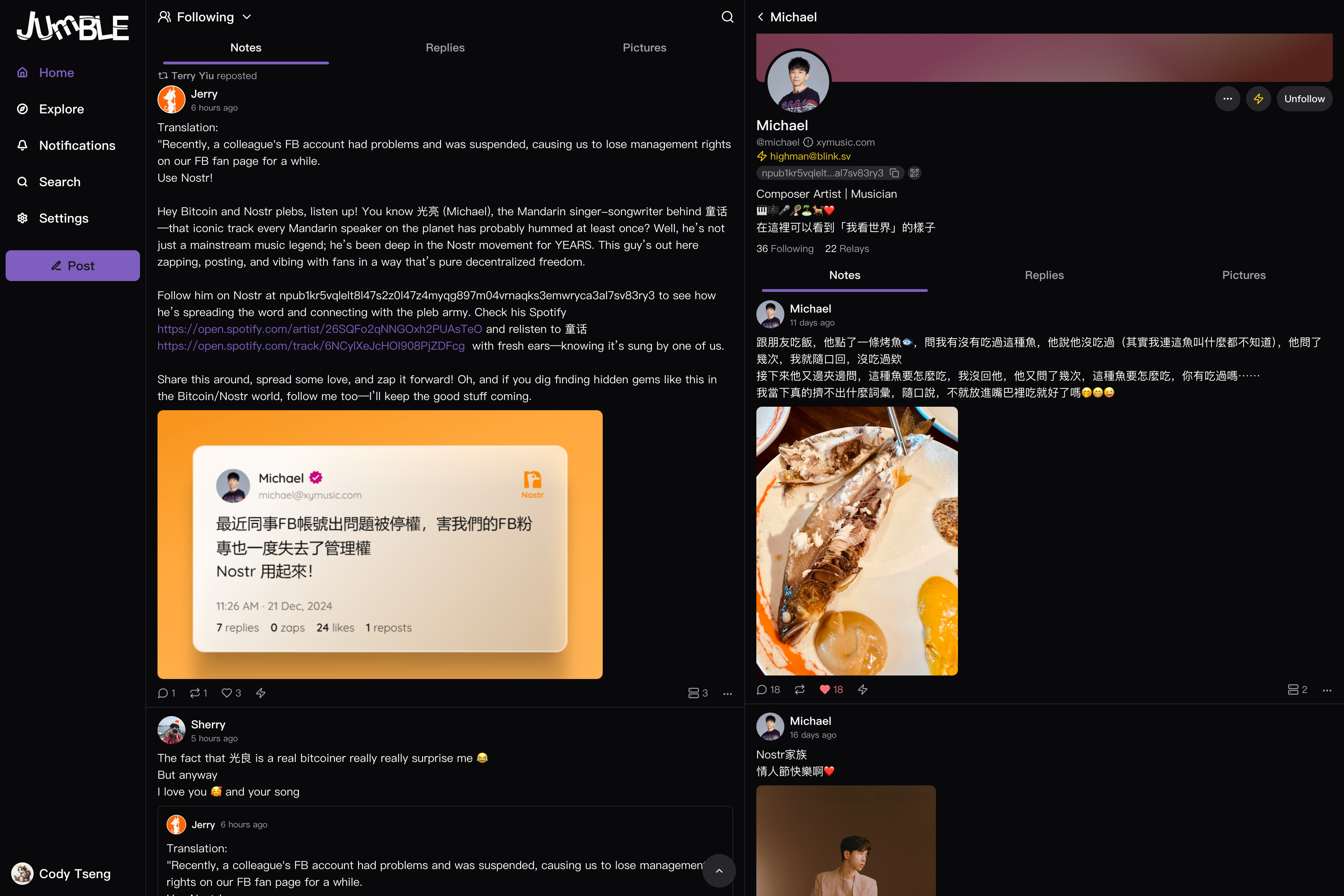
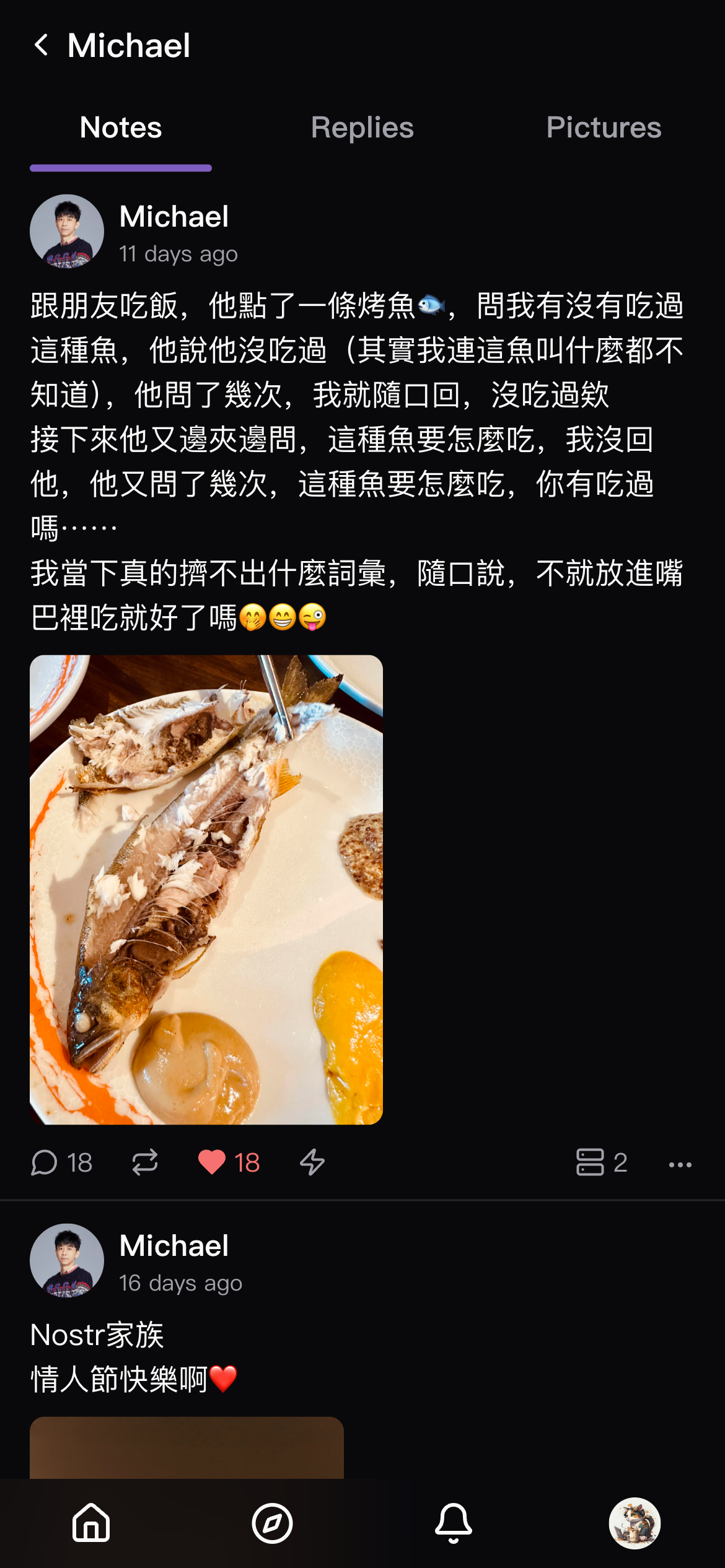
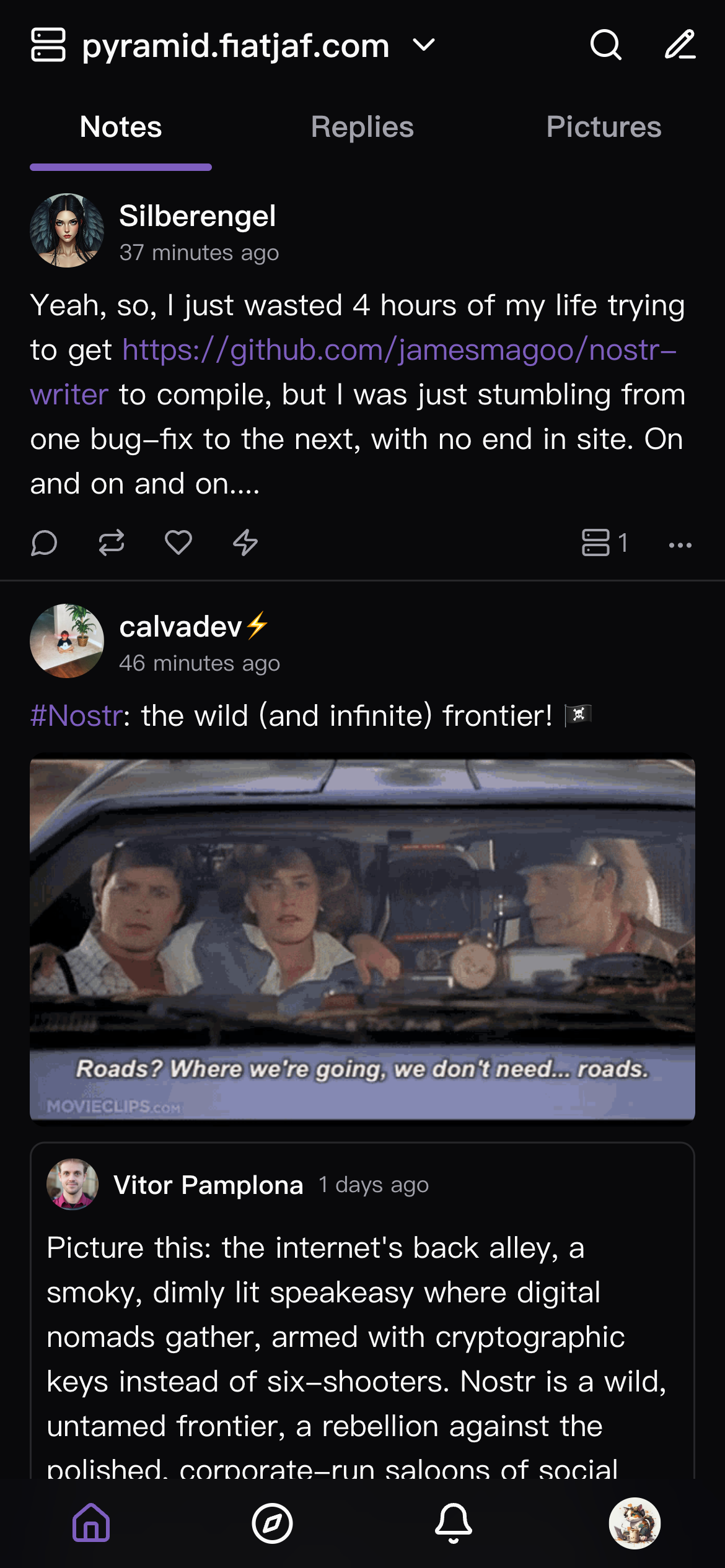
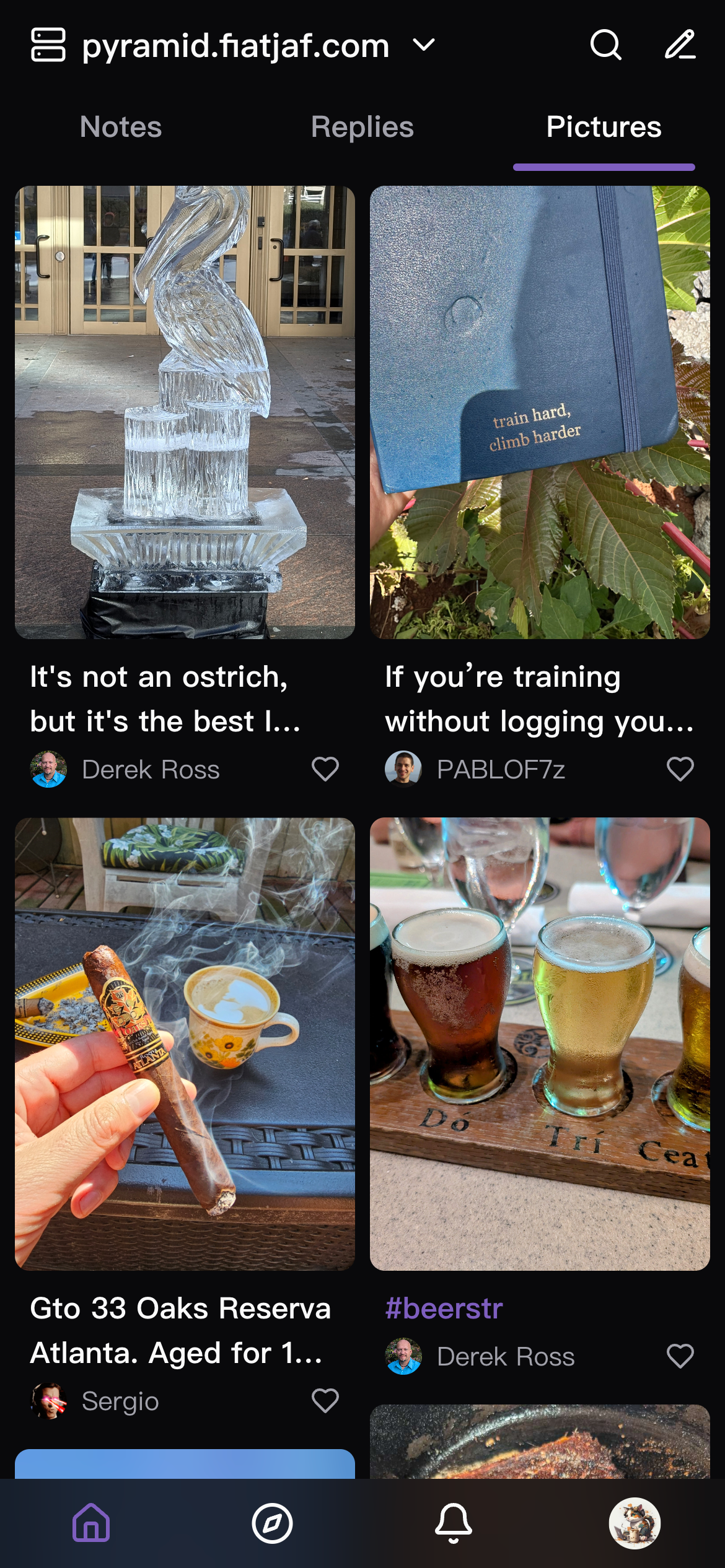
Upstream & related forks
- Original project: CodyTseng/jumble — upstream design and history.
- This repository: Silberengel/jumble — Imwald source and releases.
- Other public forks (examples): grouped-notes.dtonon.com, jumblekat.shakespeare.wtf.
Run locally
git clone https://github.com/Silberengel/jumble.git
cd jumble
npm install
npm run dev
Run with Docker
git clone https://github.com/Silberengel/jumble.git
cd jumble
docker compose up --build -d
Then open: http://localhost:8089
Linux desktop (.deb / AppImage)
Built packages are not committed to this repository (only source). They are published as release assets when a maintainer uploads them.
- Download: GitHub Releases — latest — get the
*.deb(or AppImage) attached to a release. - Install the
.deb:sudo apt install ./Imwald_*_amd64.deb(use the exact filename from the download folder;./is required soaptuses the local file). After install, Imwald should appear in your app menu (often under Network).
Maintainers — build artifacts locally:
npm install
npm run electron:pack
Outputs land in release/ (.deb, .AppImage). Upload those files when you create or edit a GitHub Release for that version.
License
MIT