
You can not select more than 25 topics
Topics must start with a letter or number, can include dashes ('-') and can be up to 35 characters long.
 Silberengel
3a9b8640c8
Silberengel
3a9b8640c8
|
7 months ago | |
|---|---|---|
| public | 12 months ago | |
| resources | ||
| screenshots | ||
| src | 7 months ago | |
| .dockerignore | ||
| .gitignore | ||
| .prettierignore | ||
| .prettierrc.yaml | ||
| Dockerfile | 8 months ago | |
| LICENSE | ||
| LOGGING.md | ||
| PROXY_SETUP.md | 8 months ago | |
| README.md | ||
| components.json | ||
| docker-compose.dev.yml | 8 months ago | |
| docker-compose.yml | 8 months ago | |
| eslint.config.js | 8 months ago | |
| index.html | 8 months ago | |
| package-lock.json | 7 months ago | |
| package.json | 7 months ago | |
| postcss.config.js | ||
| tailwind.config.js | ||
| test-navigation-manual.js | 8 months ago | |
| test-navigation.js | 8 months ago | |
| tsconfig.app.json | ||
| tsconfig.json | ||
| tsconfig.node.json | ||
| vite.config.ts | 7 months ago | |
README.md

logo designed by Daniel David
Jumble
A user-friendly Nostr client focused on relay feed browsing and relay discovery
Features
- Relay Feeds: Explore content directly through relays without following specific users
- Relay-Friendly Design: Minimized and simplified requests ensure efficient communication with relays
- Relay Sets: Easily manage and switch between relay sets
- Clean Interface: Enjoy a minimalist design and intuitive interactions
Screenshots
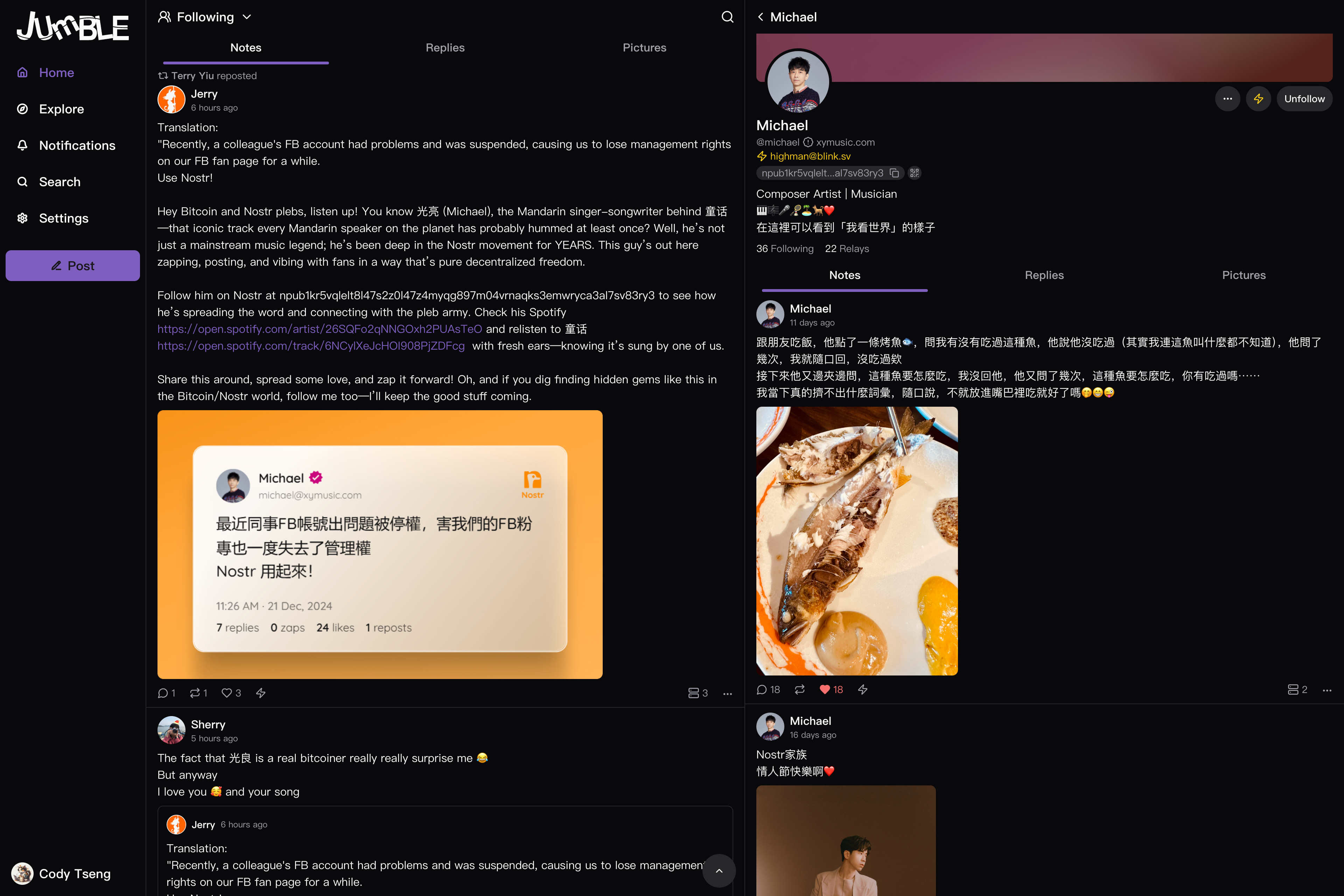

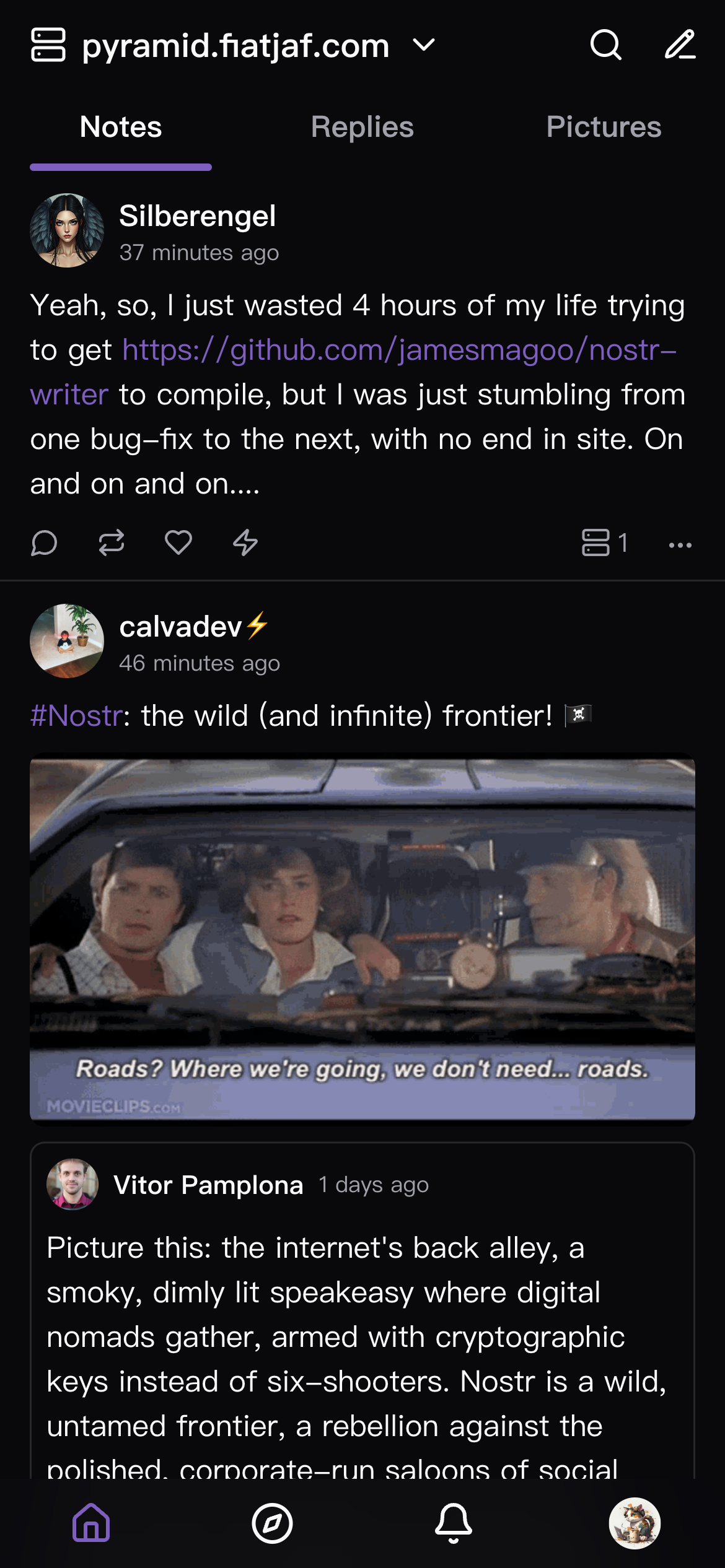
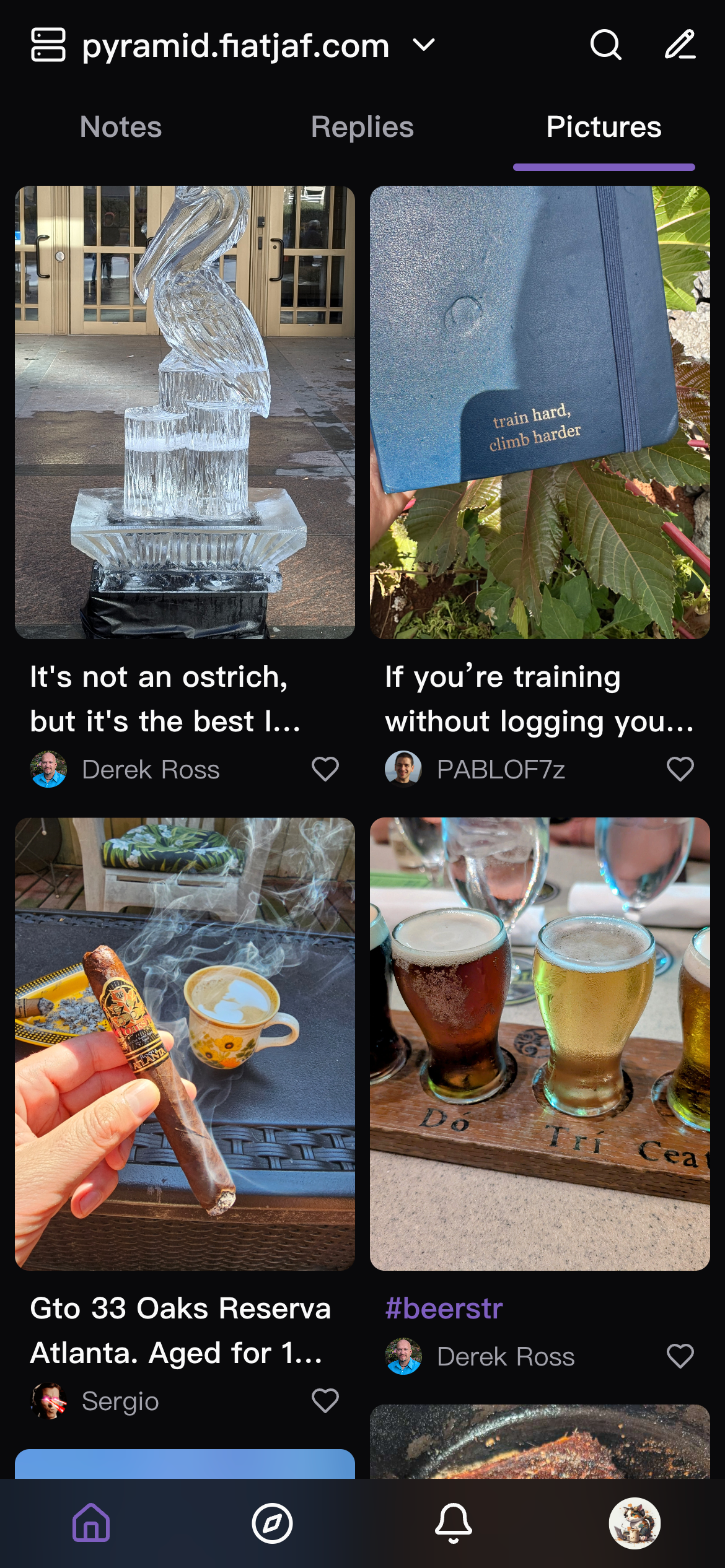
Forks
Some interesting forks of Jumble.
- https://jumble.imwald.eu/ Repo: Silberengel/jumble - Discussions support
- https://grouped-notes.dtonon.com/ - "Grouped Notes" mode: organizes posts by user and timeframe for cleaner browsing and easier discovery
- https://jumblekat.shakespeare.wtf/ - Supports custom styles
Run Locally
# Clone this repository
git clone https://github.com/CodyTseng/jumble.git

# Go into the repository
cd jumble

# Install dependencies
npm install

# Run the app
npm run dev
Run Docker
# Clone this repository
git clone https://github.com/CodyTseng/jumble.git

# Go into the repository
cd jumble

# Run the docker compose
docker compose up --build -d
After finishing, access: http://localhost:8089
Sponsors

Donate
If you like this project, you can buy me a coffee :)
lightning: ⚡️ codytseng@getalby.com ⚡️
bitcoin: bc1qx8kvutghdhejx7vuvatmvw2ghypdungu0qm7ds
geyser: https://geyser.fund/project/jumble
License
MIT